
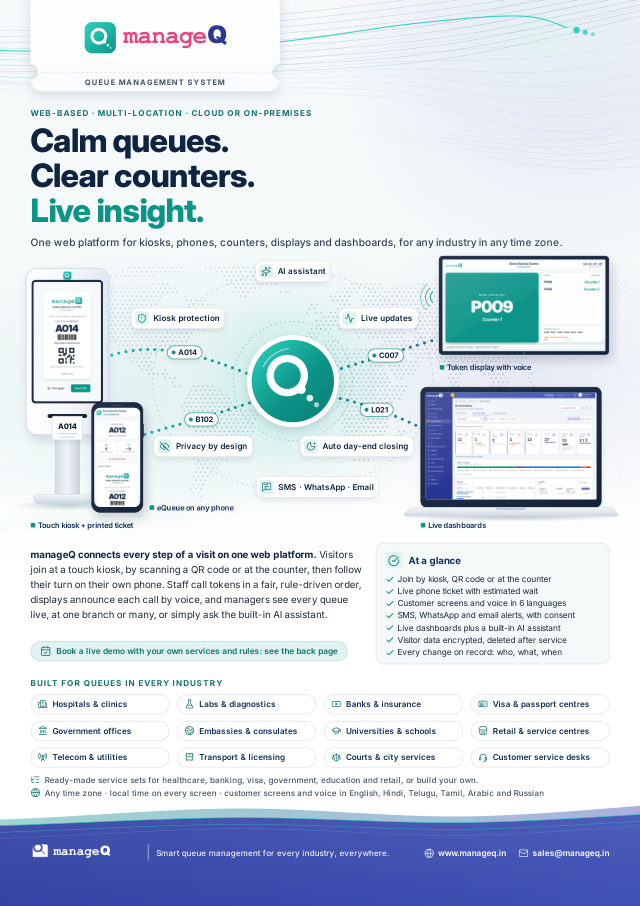
manageQ brochure
A4 PDF · 4 pages · 3.4 MB
The product at a glance: the visitor journey, every touchpoint, security and deployment. No form and no sign-up.
The manageQ brochure
Four A4 pages: the journey, every touchpoint, security and deployment.
Download (PDF)All featuresThe brochure, a one-page product summary, and the details your evaluation team will ask for.
A4 PDF · 4 pages · 3.4 MB
The product at a glance: the visitor journey, every touchpoint, security and deployment. No form and no sign-up.
The brochure is a tagged PDF with a title, language and headings. The same information is on these web pages; if you need it in another format, ask us.
One web platform for kiosks, phones, counters, voice displays and live dashboards, configured in the console rather than coded.
Short pages with the facts, written for the people who will run, secure and pay for your queues.
Hardware, languages, visitor data, messages, pilots and pricing.
The visitor journey, a day at a counter and what you need on site.
Access controls, encryption, audit and the ways to deploy.
Appointment systems, messaging providers, the REST API and devices.
What it does and the guardrails that keep it safe.
Pilot, Cloud and On-premises, each quoted for your set-up.